 Help & Support
 SEARCH
Google Gemini steps onto Microsoft turf with a native Windows app launch
SHARE IT
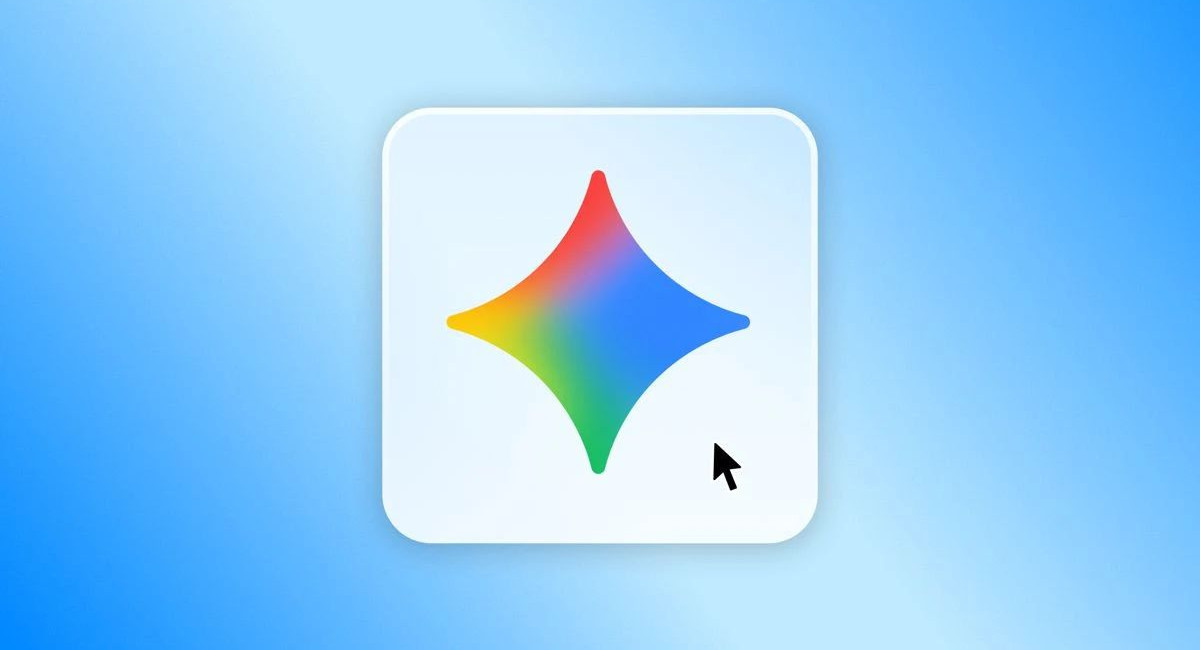
The battle for artificial intelligence dominance on personal computers has taken an aggressive leap forward as Google officially launches its standalone Gemini application for Windows 10 and Windows 11. By shifting away from web browsers and embedding its powerful artificial intelligence directly into the operating system, the tech titan is issuing a direct challenge to Microsoft and its deeply integrated Copilot companion. Available worldwide, this native desktop release aims to seamlessly incorporate Google artificial intelligence capabilities into daily user workflows without dragging down system hardware resources.
At the heart of this desktop expansion is a massive effort to make artificial intelligence interaction as frictionless as possible. Users can instantly summon Gemini using a quick keyboard shortcut, Alt + Space, which immediately triggers a sleek overlay window right on top of any active program or document. This design philosophy eliminates the traditional friction of switching between multiple browser tabs or application windows, allowing professionals and students to draft emails, proofread documents, generate creative ideas, or query information in real time without interrupting their active tasks.
Beyond basic text processing and standard web searches, the standalone app positions itself as a comprehensive command center for the broader Google productivity ecosystem. Deep integration allows Gemini to securely query and analyze personal data directly from services like Gmail and Google Drive. Users can instantly generate detailed summaries of lengthy email threads or organize scattered project files into coherent summaries. Furthermore, the platform introduces Gemini Spark, an advanced autonomous digital agent available to Google AI subscribers, which is built to tackle complex, multi-step projects independently in the background.
Creative capabilities receive a substantial boost within the desktop client through direct multimedia generation tools. The application integrates Nano Banana, an upgraded image generation model that converts detailed text prompts into high-resolution visual graphics within seconds. For video creation, Google brings the multimodal capabilities of Gemini Omni to the desktop environment, allowing users to direct and render animated visual clips or short marketing videos directly from their workspace. Consolidating these creative tools into a single desktop footprint streamlines the process of transferring generated media straight into local design applications.
Behind the scenes, Google software engineers have prioritized performance optimization to ensure the native application remains exceptionally lightweight. Recognizing that persistent background utility software can severely degrade system stability, the app has been fine-tuned to draw minimal RAM and processing power. Initial performance evaluations indicate that the overlay and background agent run smoothly without causing system stuttering or performance dips on standard host machines.
Looking ahead, Google executives view this rollout as merely the foundation of a broader desktop strategy. The company plans to introduce deeper native features designed to leverage the local processing power of modern graphics cards and dedicated neural processing units found in modern hardware. As on-device AI computing advances, this new Windows release marks a decisive step toward making digital intelligence an ambient, omnipresent force on desktop systems worldwide.
MORE NEWS FOR YOU