Help & Support
SEARCH
Euro-Office launches native desktop apps of its productivity suite
SHARE IT
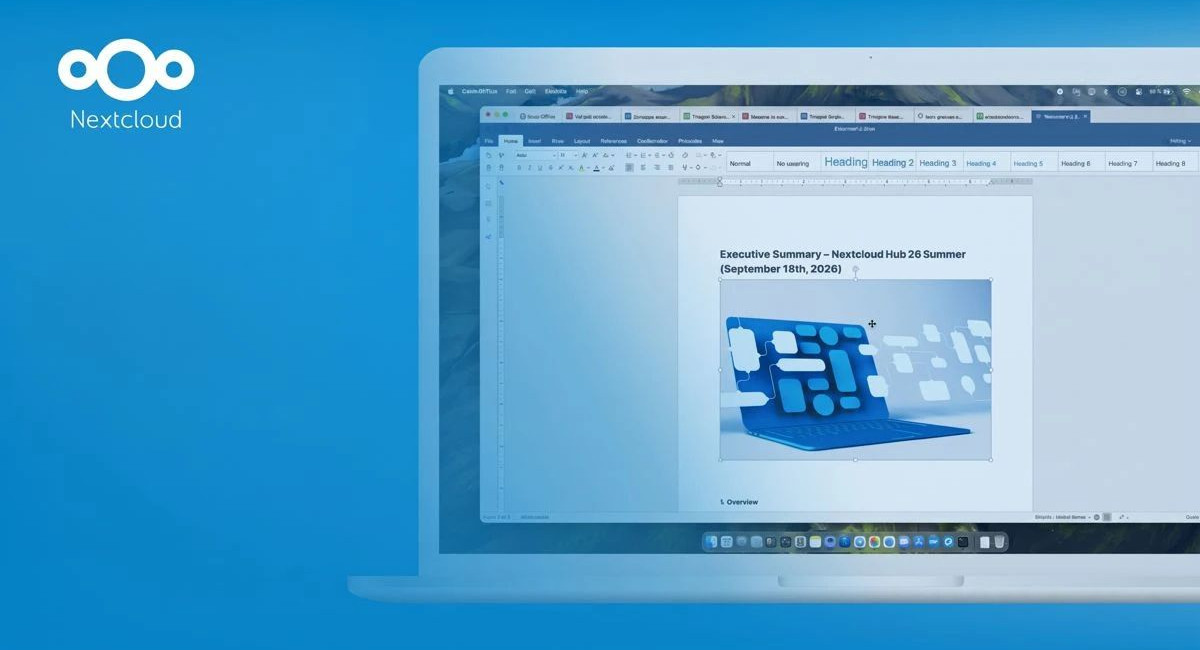
Europe’s push for digital sovereignty just gained a major new tool for everyday computer users. Nextcloud officially released the standalone desktop version of Euro-Office, bringing its privacy-focused productivity suite directly to Windows, macOS, and Linux machines. Until now, anyone wanting to use the platform had to access it through a web browser connected to a host server. By moving to native desktop applications, the software unlocks full local hardware performance, enabling faster response times and complete offline functionality without forcing users to rely on constant internet connectivity.
At the core of the release is a robust set of tools engineered to rival established commercial ecosystems like Microsoft Office and Google Workspace. The word processor, Nextcloud Write, arrives equipped with full track changes,comment threads, native Markdown syntax integration, and LaTeX document generation for academic or technical publishing. Alongside it, Nextcloud Spreadsheet handles complex datasets with hundreds of formulas, dynamic filtering, and advanced charting tools. Rounding out the core trio is a presentation module capable of exporting slides to PPTX, ODP, or PDF formats, complete with multimedia embedding, refined transitions, and a dedicated presenter mode.
Perhaps the most welcome surprise for daily office workflows is how Euro-Office handles PDF files. Most open-source office suites treat PDFs as read-only documents or require separate third-party software for meaningful edits. Euro-Office builds a comprehensive PDF editor straight into the application, allowing users to create fillable forms, insert annotations, apply digital signatures, and lock sensitive files with password encryption. Keeping all of these capabilities under one roof eliminates workflow friction and reduces overall system memory usage.
Under the hood, Nextcloud built the application using a modern combination of HTML, JavaScript, and C++. This hybrid architecture keeps the footprint remarkably lightweight while solving one of the longest-standing headaches in open-source software: broken document formatting. Nextcloud emphasized that its rendering engine preserves the exact visual layout of Microsoft DOCX, XLSX, and PPTX files when opened or edited. For professionals who routinely exchange contracts, budgets, and slide decks with clients locked into the Microsoft ecosystem, seamless compatibility removes a massive barrier to adoption.
While offline independence is the headline feature, Euro-Office retains tight integration with Nextcloud Hub 26 for teams that need cloud collaboration. Users can draft a document locally on their hard drive, sync it to a corporate server, and let colleagues jump in for real-time co-editing from either a browser or another desktop client.Administrators and teams can even toggle between Fast and Strict co-editing modes, offering granular control over how paragraphs lock while multiple people type simultaneously.
Data privacy remains the defining philosophy behind the European-built platform. As businesses grow increasingly wary of invasive telemetry and Big Tech corporations scraping user documents to train commercial algorithms, Euro-Office offers a strict alternative licensed under AGPL-3.0 and fully compliant with GDPR standards. The software avoids unnecessary connections to external servers, keeping sensitive corporate information inside organizational boundaries. Even its artificial intelligence features reflect this privacy-first approach, supporting local large language models alongside cloud options so workers can run OCR, summarize data, or draft text without leaking proprietary files to public neural networks.
Interested users can download the officially signed installers, distributed under the Nextcloud Office name, directly from the company’s website. The 64-bit installer for Windows 10 and Windows 11 weighs in at roughly 647 MB, while the macOS version requires 1.03 GB and runs exclusively on Apple Silicon hardware, leaving older Intel-based Macs unsupported for now. Linux users receive flexible deployment options, with both native .deb packages and universal AppImage files available across distributions.
MORE NEWS FOR YOU